

If you mostly use AI to write code faster, you are only getting part of the value.
Yes, AI can help you generate functions, scaffold APIs, draft tests, and explain error messages in seconds. That is useful. But the work that keeps systems stable over time usually happens after the code already runs: reviewing risks, checking security, validating architecture decisions, writing documentation, and preparing for change.
Those are the tasks teams often postpone. Not because they do not matter, but because they are slower to start, less exciting than shipping features, and harder to finish in one sitting.
That is exactly where AI becomes more valuable than many teams realize.
Used well, AI can help you review code before a teammate sees it, identify common security issues before they reach production, surface architecture trade-offs early, speed up documentation, and reduce the mental load of large migrations or unfamiliar codebases.
This article breaks that down into 7 practical ways to use AI, grouped into three levels:
Level 1: daily habits you can apply immediately
Level 2: techniques that help catch problems early
Level 3: high-leverage workflows for bigger technical changes
I also added practical implementation notes so the ideas are easier to use in a real engineering workflow instead of staying as abstract advice.
Why Many Teams Still Underuse AI

Most developers already know how to use AI for:
generating starter code
explaining bugs
drafting tests
refactoring small sections
But that is still the easy part.
Writing code faster does not help much when:
your authentication flow has not had a serious security review in months
your architecture is gradually becoming harder to extend
your internal documentation is outdated by several sprints
an endpoint is slow and nobody has time to trace the real bottleneck
a migration is coming up and the checklist is still unclear
In other words, AI is not just a speed tool. It can also be a quality tool, a risk-reduction tool, and a decision-support tool.
Level 1: 3 AI Habits to Use Every Day
These are the easiest practices to adopt and the fastest to pay off. If you want a low-friction starting point, begin here.
1. Context Dump: Give AI the Right Project Context Up Front
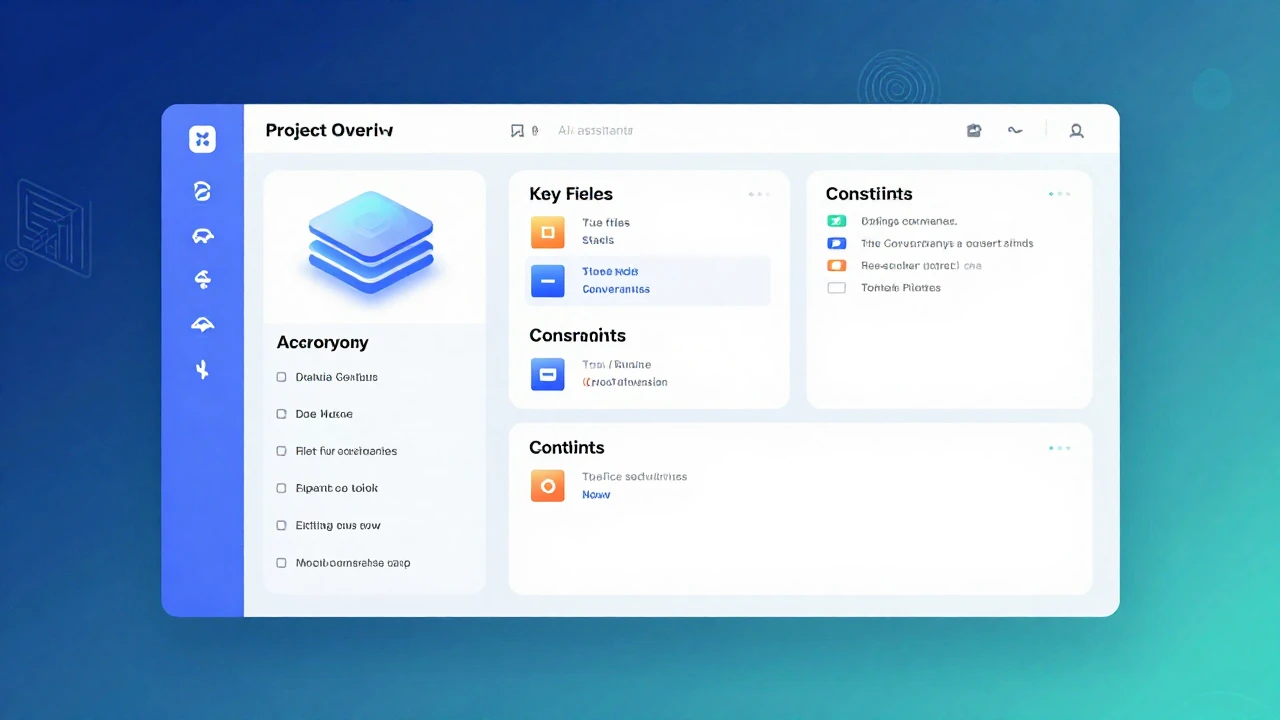
Practical payoff: often saves 30 to 60 minutes in a longer work session.
Every new AI conversation starts from zero unless you provide context. You end up re-explaining your stack, your conventions, your constraints, and the files that matter. Without that context, the answers may sound reasonable but still miss what is actually true in your project.
The fix is simple: start the session with a short context block.
Prompt Template
Here is my project context:

Project: [Name] - [One-line description]

Stack: [Frontend] + [Backend] + [Database]

Current focus: [What you are building in this session]

Key files:
- [path/to/file_1] - [what it does]
- [path/to/file_2] - [what it does]

Project conventions:
- [Naming rules]
- [Error handling approach]
- [Testing strategy]

Known constraints:
- [Performance requirements]
- [Security requirements]
- [Technical debt or limitations to work around]

I am about to work on: [specific task].
Keep this context for the rest of the session.
Why It Works
Once AI has useful context, the output tends to improve in a few important ways:
it gives fewer suggestions that do not fit your stack
it is less likely to ignore team conventions
it makes fewer unrealistic recommendations that conflict with deadlines or compatibility constraints
Practical Tips
Save your context dump as a reusable markdown snippet.
Update it weekly so it stays useful.
If the session runs long, remind the model of the constraints that matter most.
Keep it dense and relevant. Long but unfocused context often lowers answer quality.
Useful Extras to Include
To make the prompt even more effective, you can add:
internal libraries or shared packages your team uses often
pull request acceptance criteria
coding review rules your team cares about
release constraints such as zero downtime, no API breaks, or strict memory limits
This one habit alone can make AI sessions feel far less generic.
2. Documentation Generator: Write Docs While the Logic Is Still Fresh
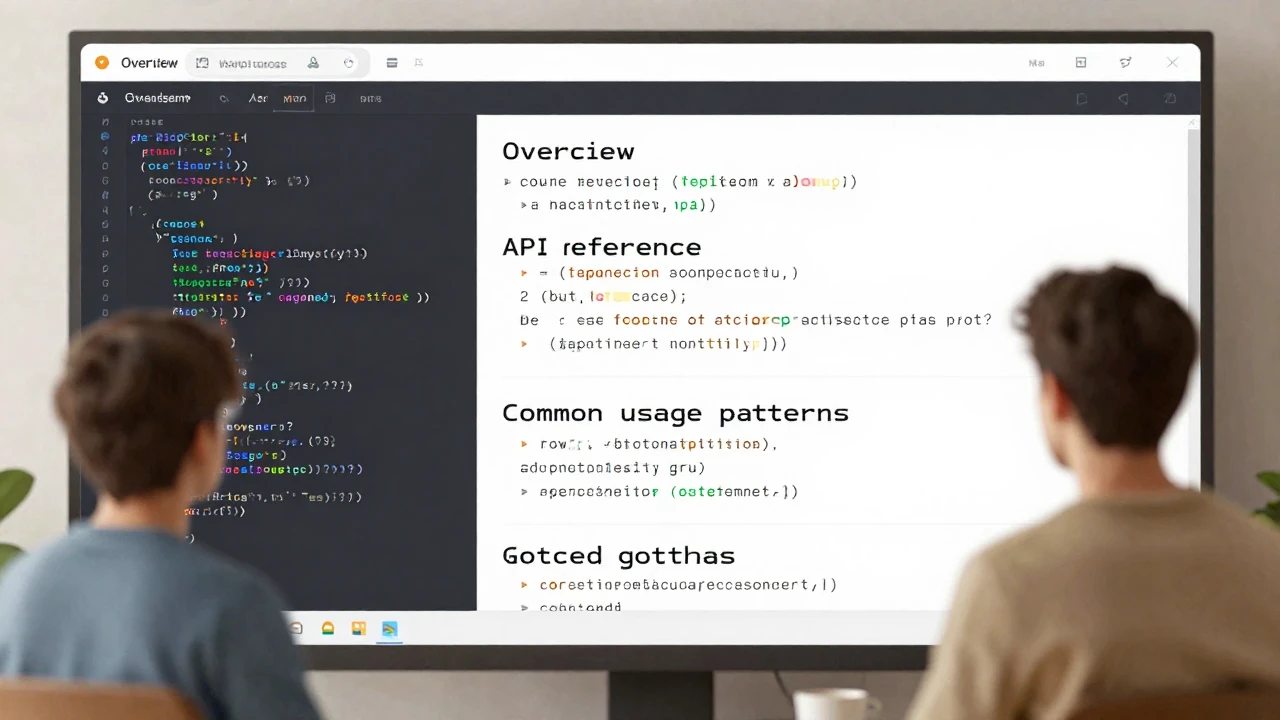
Practical payoff: often saves 2 to 4 hours per module.
Documentation gets delayed because most teams treat it as something to do after the feature is done. But by the time “later” arrives, the intent behind the code is already fading, and the final docs often become shallow summaries instead of useful guidance.
AI is very good at turning code into structured documentation, especially when you ask for the kind of explanation a new team member would actually need.
Prompt Template
Generate documentation for this code:

[Paste code]

Include:
1. Overview: what this module does and why it exists
2. Quick start: how to use it in 3 steps or fewer
3. API reference: public functions, parameters, return values, examples
4. Common patterns: 3 common use cases with code examples
5. Gotchas: edge cases, limitations, and common mistakes
6. Related modules: what this module works with or depends on

Write for a developer who is new to this codebase but not new to programming.
Where the Real Value Is
The most useful section is usually the one about gotchas.
That is where AI can help surface the details the original author may no longer notice because they have already internalized them.
Examples:
a function is only safe if the input has already been normalized
a cache may return stale data for a short period
an endpoint assumes another middleware already performed authentication
the module only works correctly when a specific config file is present
Better Ways to Use It
Generate documentation right after a module is finished or right after a large pull request is merged.
Add examples of both correct and incorrect usage.
If the docs are for internal teams, include a short section on when not to use the module.
3. Code Review Partner: Let AI Review Before Your Teammates Do
Practical payoff: often saves 1 to 2 hours per pull request.
AI is not a replacement for human review, but it is very useful as a first-pass reviewer. The goal is not approval. The goal is to remove obvious issues before they consume your teammates' attention.
Prompt Template
Review this code like a senior developer:

[Paste code or diff]

Check for:
1. Bugs: logic errors, off-by-one issues, null handling, race conditions
2. Security: injection risks, auth problems, data exposure
3. Performance: N+1 queries, unnecessary loops, memory issues
4. Maintainability: naming, complexity, duplication
5. Edge cases: what input or state could break this?

For each issue, provide:
- Severity: Critical / High / Medium / Low
- Affected line, section, or component
- What is wrong
- A specific fix

Be direct. I want to catch problems before they reach production.
How to Get Better Reviews
You will get stronger results if you add team-specific review expectations, such as:
prefer early returns over deep nesting
avoid oversized service classes
API errors must map to a standard schema
any user-data operation must include explicit authorization checks
Common Mistakes
Providing a tiny isolated function with not enough context
Failing to say whether the code handles auth, uploads, payments, or background jobs
Asking only “Can you review this?” without a checklist
AI review works best when you force it to inspect the code through clear lenses.
Level 2: 3 AI Techniques to Catch Problems Early
These are worth using weekly, not just occasionally. They help reduce the kind of technical drift that later turns into expensive cleanup work.
4. Architecture Advisor: Evaluate Design Choices Before They Spread
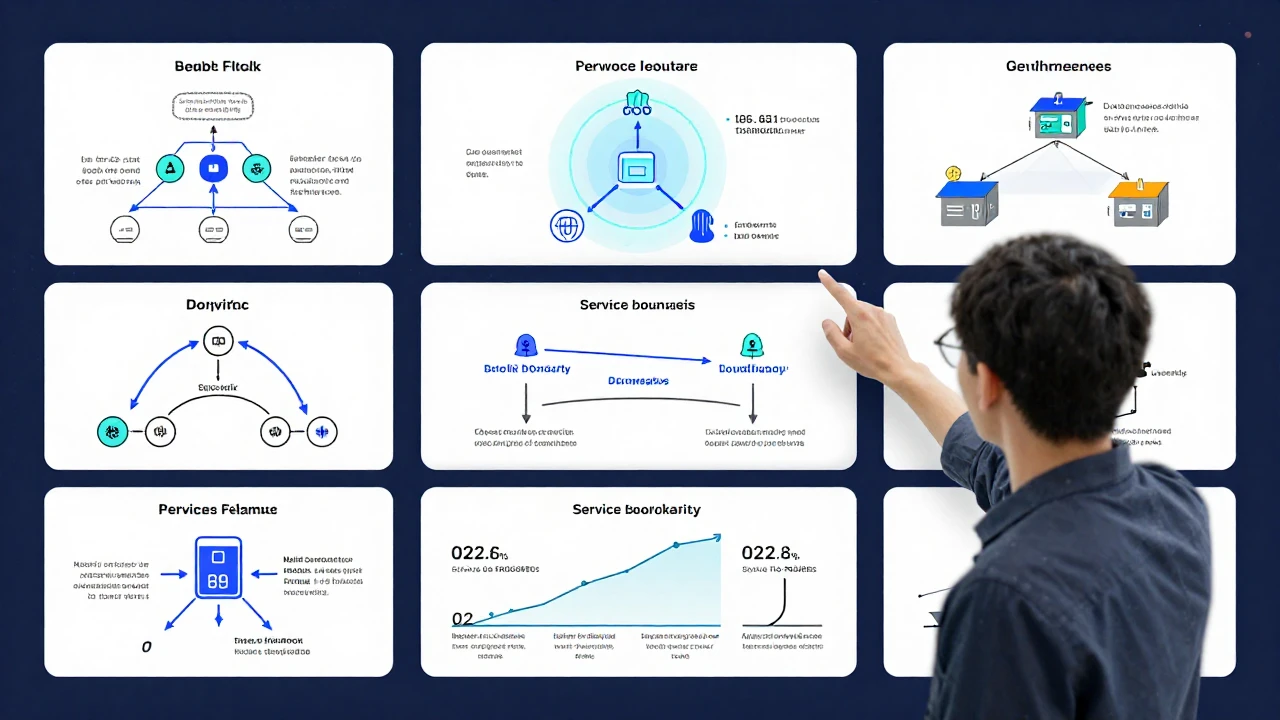
Practical payoff: often saves 2 to 6 hours of redesign or back-and-forth discussion.
A weak architecture decision usually does not fail immediately. Instead, it slowly makes the system harder to extend, debug, test, and operate. That is why it is useful to ask AI to pressure-test your approach before you are too deep into implementation.
Prompt Template
I am designing [feature/system]. Help me evaluate this approach.

Context:
- Scale: [users, request volume, data volume]
- Team: [size and experience level]
- Timeline: [deadline or runway]
- Existing stack: [what is already in use]

My current plan:
[Describe your approach]

Evaluate:
1. What are the top 3 risks in this approach?
2. What would break first if the system grew 10x?
3. What is the simplest version I could ship first?
4. What alternatives are worth considering?
5. What would change if I had more time or less time?

I want concrete trade-offs, not generic best practices.
The Most Important Questions
Two prompts are especially useful:
“What would break first at 10x scale?”
“What is the simplest version I could ship first?”
The first forces concrete thinking about stress points. The second prevents unnecessary complexity.
Additional Areas Worth Asking About
You can also ask AI to evaluate:
vendor lock-in risk
onboarding cost for new engineers
observability and operational visibility
rollback difficulty if a release goes wrong
These concerns matter a lot in real product work and are often missing from generic architecture advice.
5. Security Auditor: Use AI to Catch Common Security Mistakes Early
Practical payoff: often saves 3 to 5 hours in an initial review pass.
Many serious security issues do not come from exotic attack chains. They come from ordinary oversights:
a query built by string concatenation
incomplete authorization checks
logs that expose tokens or personal data
missing input validation
secrets stored in code or config in the wrong place
AI does not replace penetration testing or deep security review, but it is very effective at catching common risks before they survive too long in the codebase.
Prompt Template
Security audit this code:

[Paste code that handles authentication, user input, or sensitive data]

Check for:
1. Injection: SQL, NoSQL, command, LDAP
2. Auth/AuthZ: session handling, privilege escalation, token issues
3. Data exposure: logs, error messages, API responses
4. Input validation: missing sanitization, type coercion, length limits
5. Cryptography: weak algorithms, hardcoded secrets, improper key handling

For each finding, include:
- Severity: Critical / High / Medium / Low
- Attack scenario: how it would be exploited
- Fix: the specific code change needed
- Reference: OWASP or CWE if relevant

Assume the attacker understands our stack.
Good Places to Start
Prioritize these areas first:
login, token refresh, and logout flows
file upload handlers
search and filtering endpoints with user input
payment flows or routes touching personal data
webhooks, callback endpoints, and internal-only routes
A Simple Team Checklist
You can turn this into a lightweight merge checklist for sensitive pull requests:
Have injection risks been checked?
Are authorization rules explicit and testable?
Are logs free of sensitive values?
Do client-facing errors avoid leaking internals?
Are secrets kept outside the codebase?
Even a short repeated checklist is better than an occasional deep review that never happens.
6. Performance Profiler: Find the Slow Part Instead of Guessing
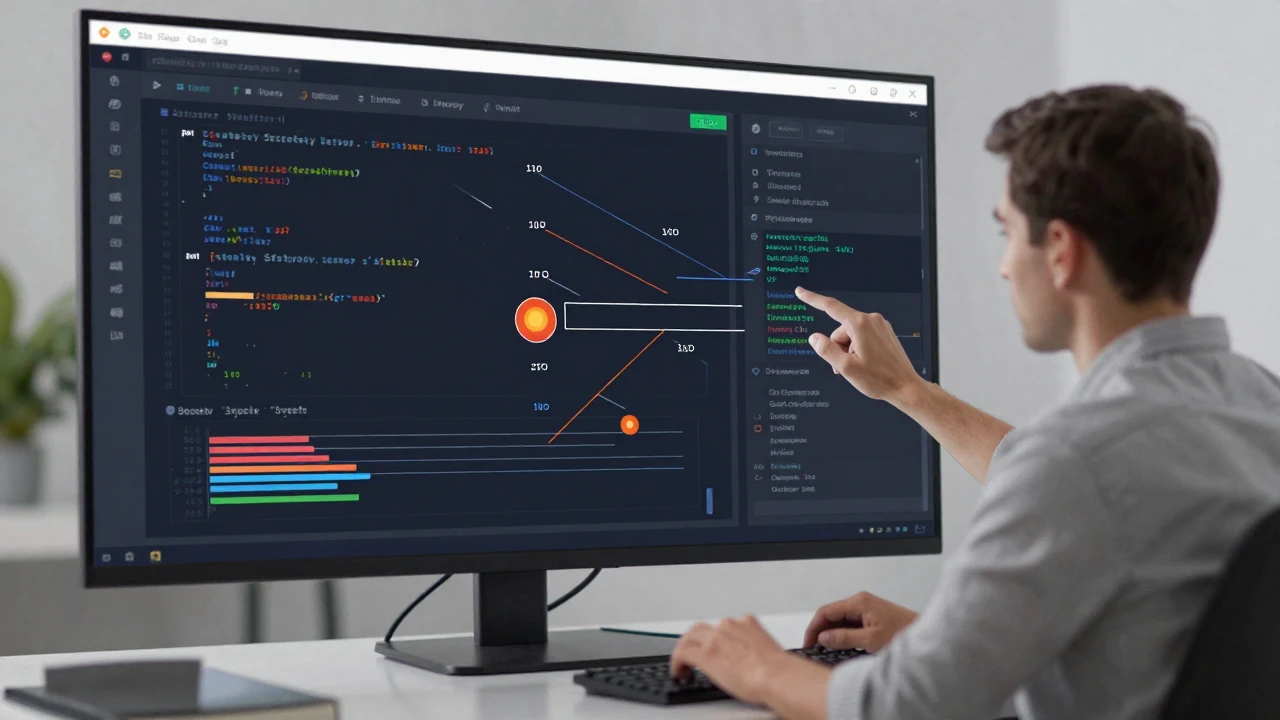
Practical payoff: often saves 2 to 4 hours per investigation.
When an endpoint is slow, many teams immediately blame the database. Sometimes the real issue is somewhere else entirely: a helper called too often, a property getter that triggers repeated queries, a blocking I/O path, or a nested loop that quietly scales badly.
AI is useful here because it can scan code broadly and point out likely bottlenecks faster than a tired human reading one file at a time.
Prompt Template
Analyze this code for performance issues:

[Paste code]

Context:
- Where this runs: per request / batch job / cron / background worker
- Typical data size: [describe it]
- Current pain point: [what feels slow]

Find:
1. Time complexity issues
2. Database issues: N+1 queries, missing indexes, over-fetching
3. Memory issues: large allocations, poor caching, retention problems
4. I/O bottlenecks: blocking calls, sequential steps that could be parallelized
5. Quick wins: simple changes with high impact

For each issue, provide:
- Impact: High / Medium / Low
- Current behavior
- Suggested fix with code
- Expected improvement

Prioritize the 20% of changes that can deliver 80% of the gains.
Important Reminder
AI helps you identify candidates for investigation. It does not replace real profiling, metrics, tracing, or benchmarks. Use it to narrow the search space, then validate what actually matters.
Useful Follow-Up Questions
If I only have one day to improve latency, what should I change first?
If I can add caching in one place, where will it help most?
What becomes the first bottleneck if traffic grows 5x?
Level 3: 2 High-Leverage AI Workflows for Bigger Changes
You may not use these every day, but when you do, they can save hours or even days.
7. Migration Assistant: Turn a Risky Migration Into a Clear Plan
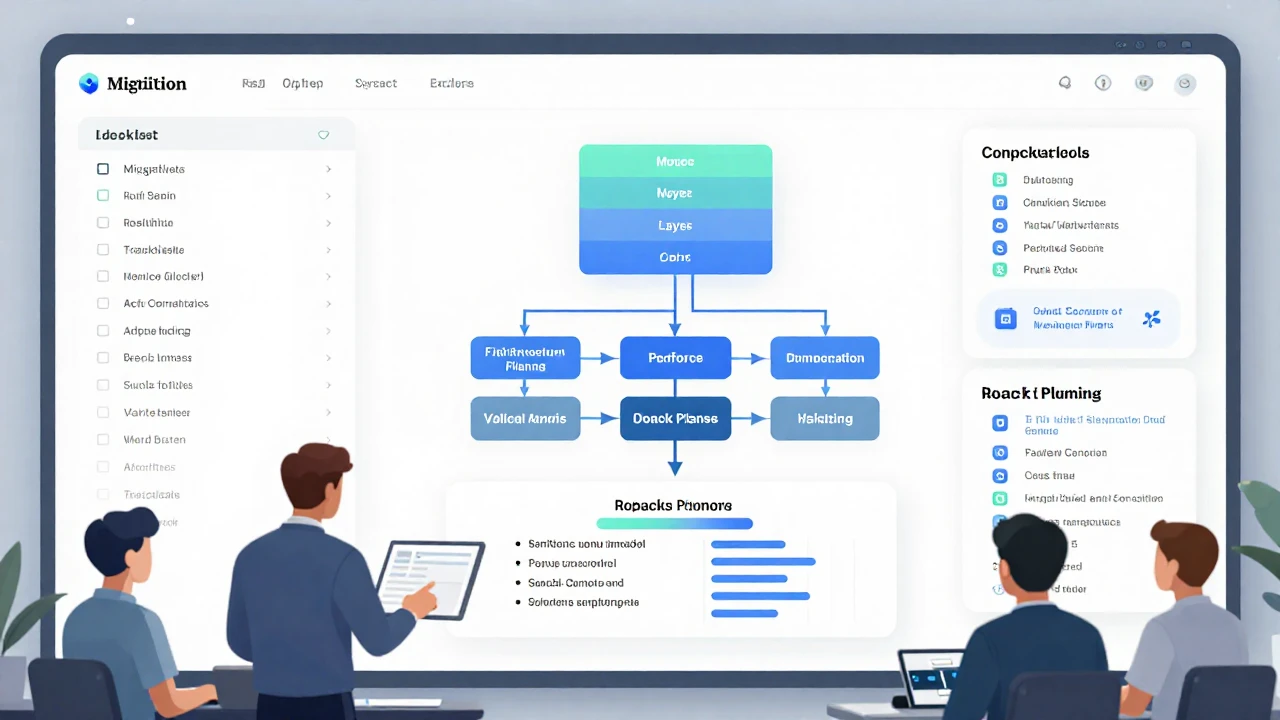
Practical payoff: often saves 4 to 8 hours during a meaningful migration.
Framework upgrades, database moves, API changes, schema migrations, and module extractions all have the same problem: they contain many small steps that are easy to miss when you are moving fast.
AI is useful for the mechanical side of this work. It can help build the checklist, identify likely breaking changes, suggest validation steps, and outline a rollback plan.
Prompt Template
Help me migrate from [Old system] to [New system].

Current setup:
[Describe the current system and include sample code if useful]

Target:
[Describe the desired end state]

Constraints:
- Must maintain backward compatibility for [duration]
- Cannot have more than [limit] of downtime
- Must preserve [specific data or behavior]

Generate:
1. An ordered migration checklist
2. Common code transformation patterns
3. Breaking changes to watch for
4. A rollback plan
5. Validation tests to confirm the migration worked

Start with the highest-risk parts.
How to Use It Well
Include real code from your codebase instead of a vague summary.
Ask which steps should be scripted and which should stay manual.
Always request the rollback plan up front, not after something goes wrong.
What a Strong Migration Plan Should Also Include
clear go or no-go release criteria
what needs to be backed up and how backup integrity will be checked
what metrics to watch after rollout
when the old compatibility layer can safely be removed
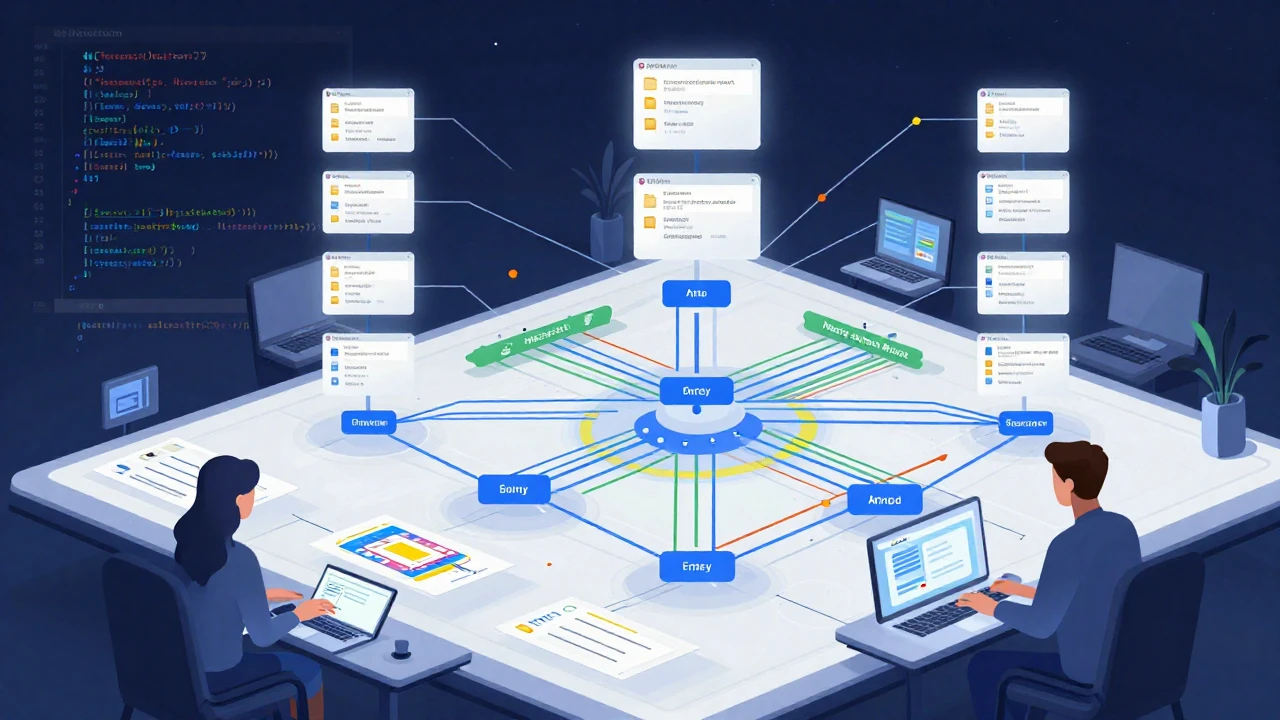
Bonus: Full Codebase Analysis for New Team Members or Legacy Projects
Practical payoff: can save from half a day to multiple days when learning a codebase.
The hardest part of joining a new project is rarely reading syntax. It is building a mental map: where execution starts, how data moves, which modules are central, which parts are fragile, and where to begin for a specific task.
AI can help create that first map surprisingly quickly.
Prompt Template
Analyze this codebase structure:

[Paste a directory tree or file list]

Tell me:
1. What is the overall architecture?
2. Where are the entry points?
3. What are the 5 most important modules or folders?
4. How does data move through the system?
5. What external services or APIs does this depend on?
6. What looks risky from a maintenance perspective?
7. If I need to work on [specific task], which files should I read first?

Explain it like I am a senior developer new to this project.
Then drill down into individual files:
Now explain this file in detail:
- What does it do?
- What depends on it?
- What does it depend on?
- What are the easy-to-miss gotchas?
A Simple Weekly Workflow You Can Start Using Right Away
If you do not want to redesign your whole process at once, start with a lightweight rhythm:
Every day: use a Context Dump at the start of work and run Code Review Partner before opening a pull request.
Every week: pick one sensitive area and run either Security Auditor or Performance Profiler.
Every sprint: use Architecture Advisor for one meaningful design decision.
Whenever a larger change is coming: use Migration Assistant to build the checklist and rollback plan.
That level of consistency is enough to create noticeable long-term gains.
Mistakes to Avoid When Using AI for Reviews, Security, and Documentation
giving too little context and expecting accurate answers
trusting AI conclusions without validating them with tests, logs, metrics, or human review
asking vague questions such as “Does this look fine?”
failing to ask for severity, attack scenarios, or specific fixes
generating a lot of recommendations but never converting them into an actionable checklist
AI is most useful when it helps you see problems sooner, not when it replaces technical responsibility.
The Biggest Value Is Not Faster Typing
The real advantage of AI is that it reduces the friction of work teams often postpone. A quick security pass before a meeting, an architecture review before a design hardens, or a useful set of docs right after a module is completed can have more long-term impact than shipping a little faster today.
If you have mostly used AI to move faster, this is a good time to start using it to work more carefully as well.
Frequently Asked Questions
Can AI replace human code review?
No. AI is helpful for a first pass, for spotting common issues, and for surfacing edge cases. Final decisions should still come from engineers who understand the system and are accountable for the outcome.
Can AI replace a real penetration test or a deep security audit?
No. It is useful for catching obvious and common problems early, but sensitive systems still need proper security testing.
Which prompt should I start with first?
If you want immediate value, start with the Level 1 prompts: Context Dump, Documentation Generator, and Code Review Partner. They are the easiest to integrate into daily engineering work.
Conclusion
As AI gets better at generating code, the competitive advantage shifts. It is no longer just about who can write code faster. It is about who can use AI to make better engineering decisions, reduce risk earlier, and keep the codebase healthier over time.
If you have been postponing security reviews, documentation, architecture cleanup, or migration planning because they feel tedious, start with one strong prompt and one real use case. In many teams, the biggest barrier is not lack of skill. It is the drag of manual, repetitive thinking. AI helps lower that barrier.
References
Original source: 7 AI Prompts for Code Review and Security Audits | Data Science Collective
OWASP Top 10: https://owasp.org/www-project-top-ten/
CWE Database: https://cwe.mitre.org/